
Deskferry official
Sync images between Macs: picture content or the original file
Does the picture belong inside a document, or does the file belong in a folder? Answer that first.
You spotted a reference image on the laptop while the proposal sits open on the desktop Mac. Deskferry can carry copied picture content straight into that document. But if what you need is the image file itself — its name, its format, sitting in a project folder — that is a Finder job with different rules. The two tasks look alike right up until the moment they end somewhere different.
Sync images between Macs straight into a document
Both Macs should be on macOS 14 or later and in the same trusted Deskferry group, joined over a LAN where each one can find the other. Turn sync on and allow image content at both ends.
- In the source app, use Copy Image, or whichever command copies the picture itself rather than a reference to it.
- On the other Mac, open a document or editor that accepts pasted pictures.
- Click where the picture belongs, press
Command-V, then check that the image you meant to send is the one that appeared.
Hand over the original in Finder
When the item is a file — Cover.heic, or a PNG that belongs in a project directory — select it in Finder, copy, and paste into a Finder folder on the other Mac. That is a file transfer, with everything that implies: the group administrator needs Pro or Max, folders need Max, and the content switches and size settings at both ends still apply.
One label that confuses people: an image file can show up under Image in history. That describes the content, not the entitlement, so copying the Finder file still follows the file rules. The file handoff guide has the full sequence, including opening the received file at the destination to confirm it arrived.
Use history to pick the right picture
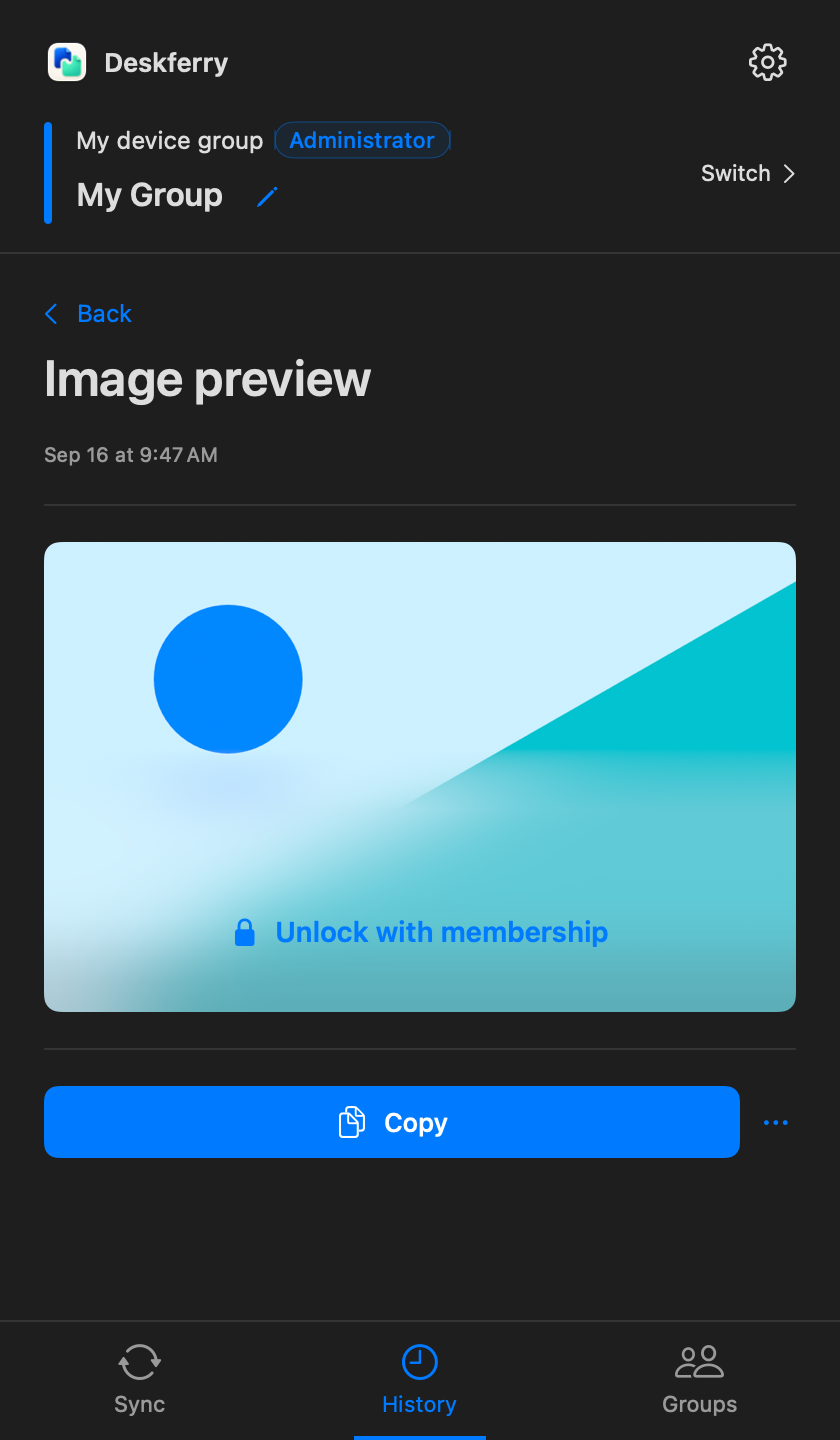
After copying several candidates in a row, open History, filter to Image, and let the thumbnails tell them apart. For an image file you can also search its name — search covers the records this Mac still retains, on every plan. On Free, full viewing and copying reach the global latest 20 records across all types, so an older picture can stay perfectly recognisable in a restricted preview without opening in full.
When the picture does not turn up
Paste into an image-capable app on the source Mac first, to prove that a picture — and not a link to one — is actually on the clipboard. Then check that the destination app accepts images at all. Then look at the image and file switches in Deskferry. Files also have to be fully downloaded, readable, and inside the configured total size.
If plain text fails as well, the connection is your suspect and not the picture, so go back to connection troubleshooting. There is no reason to rebuild a group because one destination app refused a paste.
A quick way to separate the two causes: use the same picture twice. Paste it into an image-capable document on the source Mac, then into one on the receiving Mac. If it fails locally, change the source command from copying the address to copying the image. If it works locally but not across the group, send a fresh sentence through first — that tells you whether to look at image handling or at the connection before you retry a large asset.
FAQ
Questions, answered
Can I find older images on Free?
Yes. Browsing shows the retained image thumbnails and search covers retained file names. Full viewing and copying are limited to the global latest 20 records across all types, ranked before any search or type filter is applied. An older image still appears, but its Copy button prompts for an upgrade instead of putting the picture on the clipboard.
Why does copying an image out of Finder need a paid plan?
Because Finder copies the image file itself, not only the picture content. File sync comes from the group administrator's Pro or Max entitlement, while a picture copied straight to the clipboard syncs on Free.
Will a picture paste into any text field?
No. The destination has to accept images. Use an image-capable editor or document; a plain-text field can reject the content even when the sync itself worked.
Can I search for words printed inside a picture?
Do not assume text recognition inside images. Search finds a retained image file by its name, and browsing by thumbnail covers the rest. History search does not read the contents of every attachment.
How do I move a whole folder of image assets?
Use the Finder folder workflow in a group whose administrator has Max, and allow the folder type and the total size on both Macs. The file guide covers reception and the final check at the destination.
Guides
Your next useful read
Mac clipboard sync for the two Macs you switch between
The address is on the laptop. The field waiting for it is open on the desktop. That gap is the whole problem.
Read the guideTransfer filesTransfer files between Macs without leaving Finder
Copy at the source. Paste at the destination. Open the file and get back to work.
Read the guideLocal clipboard historyClipboard history for images and files: pull an asset back out
Getting the right picture back into a project, not just an earlier sentence.
Read the guideDeskferry
Keep the next step simple.
Continue on another Mac, hand off a file, or find an earlier copy.
macOS 14+ · One Mac for history · Reachable LAN for sync
